






Most digital marketers obsess over keywords, backlinks, and page speed — and completely overlook the quiet SEO opportunity sitting inside every image on their website.
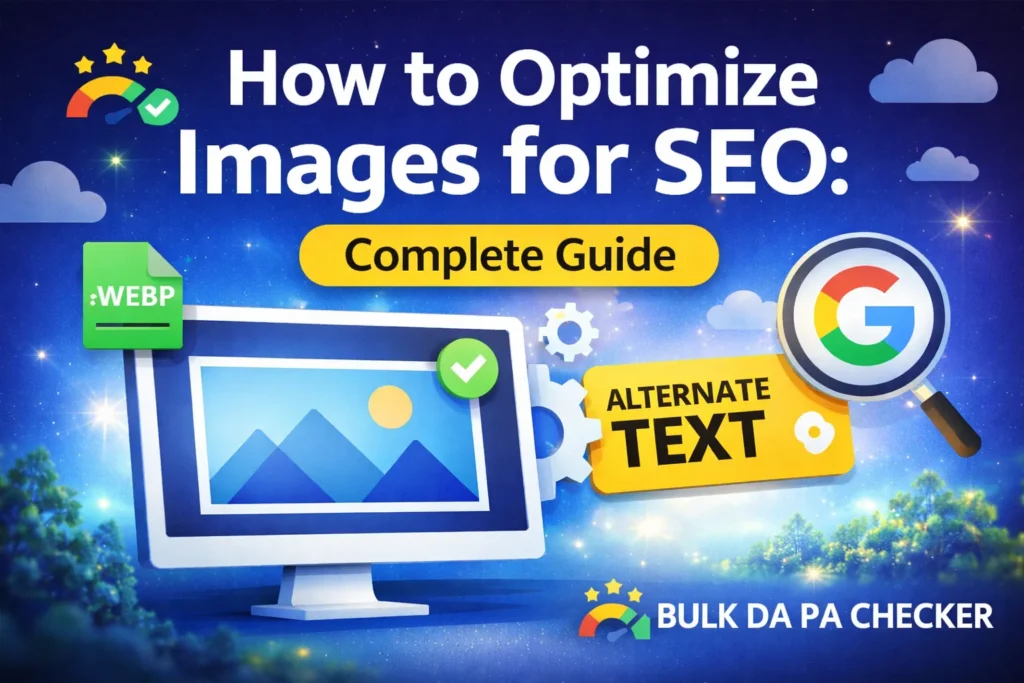
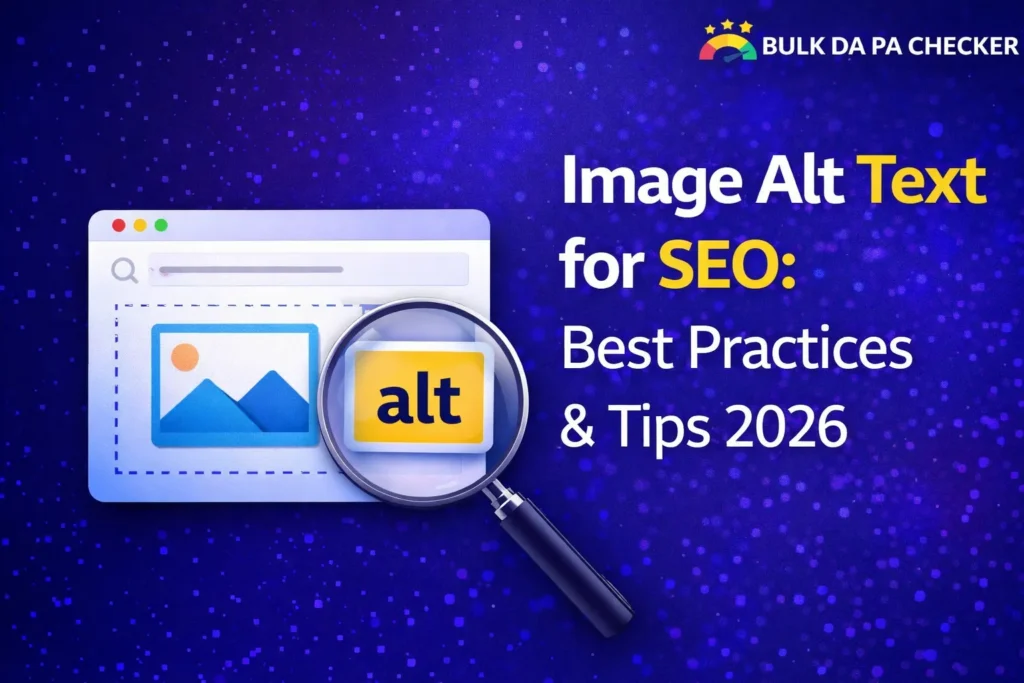
Image alt text (alternative text) is an HTML attribute added to image tags that describes what an image shows. Search engines like Google use alt text to understand image content since they cannot visually process images the way humans do. Well-written alt text improves image search rankings, supports web accessibility, and sends relevant keyword signals that strengthen your overall on-page SEO, making it a non-negotiable element of any professional SEO strategy in 2026.
This guide gives you everything you need: what alt text actually does, how Google uses it, how to write it correctly across different image types, and the most common mistakes costing marketers rankings right now.
What Is Image Alt Text & Why Does It Matter for SEO?
Quick Answer: Image alt text is an HTML attribute that describes the content of an image to search engines and screen readers. It matters for SEO because Google cannot see images — it reads alt text to understand what an image shows and how it relates to the surrounding content. Pages with properly optimized alt text rank better in both standard search results and Google Image Search, while also meeting web accessibility standards required by many markets globally.
Here’s what alt text looks like in HTML:
<img src="seo-audit-dashboard.jpg" alt="SEO audit dashboard showing domain authority and backlink metrics">Without alt text, Google sees this:
html
<img src="seo-audit-dashboard.jpg" alt="">That empty attribute is a missed keyword signal, a missed image search ranking opportunity, and in markets where accessibility compliance is legally required a potential liability.
Why Alt Text Matters in 2026:
- Google Image Search drives significant referral traffic across industries — optimized alt text is your ticket to appearing there
- Google’s vision AI has improved dramatically, but alt text still provides the most reliable contextual signal for image content
- Accessibility — screen readers used by visually impaired users rely entirely on alt text to describe images
- Core page quality signals — pages with complete, descriptive alt text consistently score higher in content quality evaluations
- AI Overviews & SGE — Google’s generative search results increasingly pull image context, making alt text more relevant than ever
According to Google’s own image SEO documentation, providing descriptive, accurate alt text is one of the primary recommendations for helping Google understand and rank your images.
How to Write Perfect Alt Text — With Real Examples
Quick Answer: Perfect alt text is specific, descriptive, and naturally includes relevant keywords without stuffing. It should describe what the image actually shows in plain language, as if explaining it to someone who cannot see it. Keep alt text between 50–125 characters, avoid starting with “image of” or “picture of,” and include your target keyword only when it fits naturally within an accurate description of the image content.
The Alt Text Formula:
[What the image shows] + [Context/keyword if natural] + [No filler phrases]
| Image Type | Poor Alt Text | Optimized Alt Text |
|---|---|---|
| Product photo | “shoe” | “Men’s black leather Oxford shoes on white background” |
| Blog header | “image1.jpg” | “Digital marketer reviewing SEO analytics dashboard on laptop.” |
| Infographic | “infographic” | “Infographic showing 7 on-page SEO techniques that improve domain authority” |
| Logo | “logo” | “BulkDAPAChecker free SEO tools logo” |
| Team photo | “our team” | “SEO content strategy team collaborating in a modern office.” |
Rules Every Professional Should Follow:
- Be specific — “red sports car” beats “car” every time
- Stay under 125 characters — most screen readers cut off beyond that
- Never keyword stuff — “SEO alt text SEO image SEO optimization” is a red flag, not a signal
- Skip decorative images — purely decorative images (dividers, backgrounds) should have empty alt text (
alt="") so screen readers skip them - Use your primary keyword once — if it genuinely fits the image description, include it naturally
Alt Text for Different Image Types
Quick Answer: Different image types require different alt text approaches. Product images need descriptive details like color, material, and use case. Blog images need contextual descriptions tied to the article topic. Infographics should summarize the key data point shown. Logos need the brand name plus a brief descriptor. Each image type serves a different SEO and user purpose and alt text should reflect that specific context, not follow a one-size-fits-all template.
Product Images
Focus on attributes customers search for: color, size, material, and use case. Think about how your customer would describe the product in a search query.
✅ "Handmade ceramic coffee mug in matte navy blue, 12oz"
Blog & Editorial Images
Tie the description directly to the article topic and target keyword cluster.
✅ "Content marketer writing SEO-optimized blog post on laptop"
Infographics
Describe the core data point or conclusion the infographic illustrates — not just “infographic about X.”
✅ "Chart showing 65% of marketers use image alt text incorrectly in 2026"
Logos & Brand Assets
Include brand name, product name, and a brief functional descriptor.
✅ "BulkDAPAChecker free domain authority and PA checker tool logo"
Screenshots & UI Images
Describe what the interface shows and what action it illustrates.
✅ "Google Search Console coverage report showing indexed and excluded pages"
Common Alt Text Mistakes That Hurt SEO
Even experienced digital marketers make these errors consistently:
- Leaving alt text blank on non-decorative images — Google sees an empty signal where a keyword opportunity exists
- Using file names as alt text — “IMG_4892.jpg” tells Google nothing useful
- Keyword stuffing — repeating your target keyword across every image alt text on a page triggers over-optimization flags
- Writing identical alt text for multiple images on the same page — treat each image as a unique SEO asset
- Ignoring images in PDFs and documents — embedded images in downloadable assets also benefit from alt text
- Using “image of” or “photo of” as openers — Google already knows it’s an image; use that character space for descriptive content instead
- Forgetting images added via CSS — background images added through CSS cannot carry alt text and should never be used for content images
Image Optimization Beyond Alt Text
Alt text is one piece of a complete image SEO strategy. In 2026, Google evaluates images holistically — file format, size, load speed, and surrounding context all matter alongside alt text.
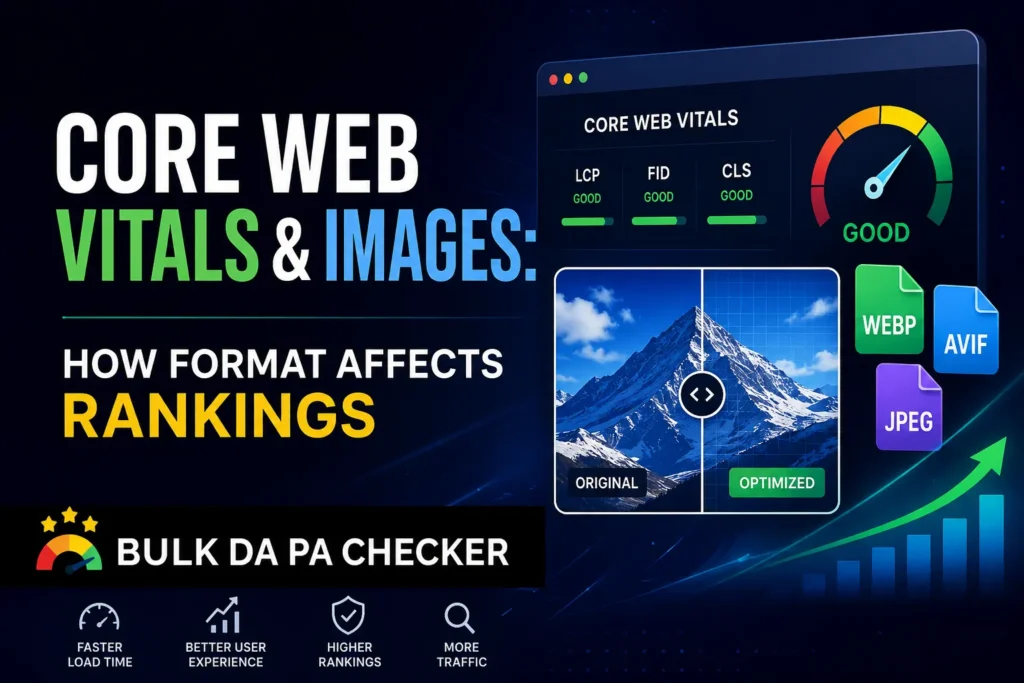
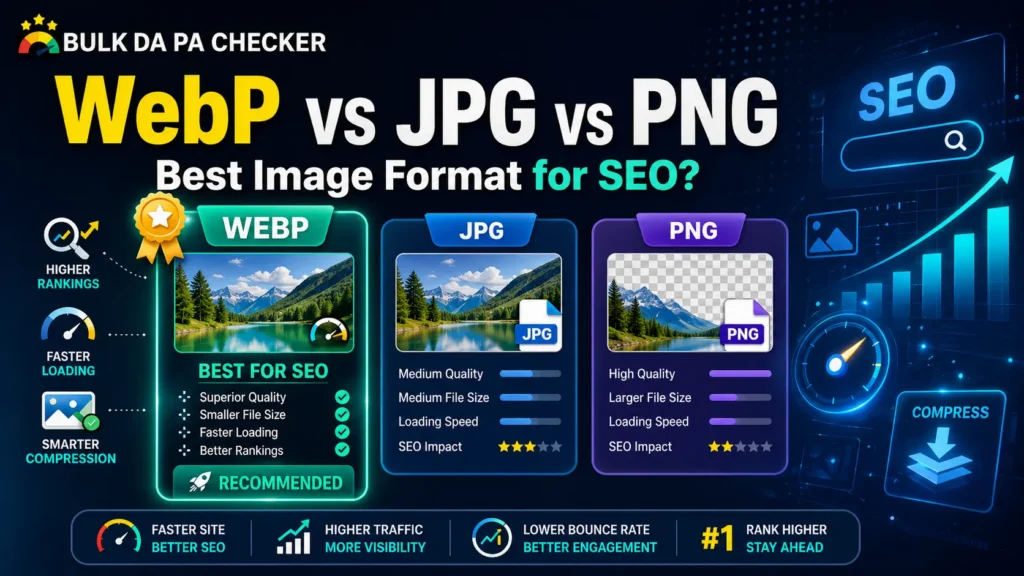
File format plays a significant role in page speed, which is a confirmed ranking factor. WebP images load faster than JPEG or PNG equivalents at comparable quality — and faster-loading pages consistently outperform slow ones in Google’s Core Web Vitals evaluation.
If you’re still serving JPEG or PNG images across your site, convert them to WebP format using the bulk WebP image converter. It processes multiple images at once and integrates cleanly into any professional workflow.
Pair optimized image formats with well-written alt text, and you’re covering both the technical and semantic dimensions of image SEO simultaneously.
Alt Text Best Practices Checklist for 2026
Use this as your standard quality control process before publishing any page:
- ✅ Every non-decorative image has unique, descriptive alt text
- ✅ Alt text is under 125 characters
- ✅ Primary keyword appears naturally in at least one image alt text per page
- ✅ No keyword stuffing across multiple image alt texts
- ✅ Decorative images use empty alt attributes (
alt="") - ✅ File names are descriptive before upload (e.g.,
seo-audit-dashboard.jpgnotIMG_001.jpg) - ✅ Images are served in WebP format for optimal page speed
- ✅ Alt text accurately describes the actual image — no misleading descriptions
FAQs
Does alt text directly affect Domain Authority?
Not directly, but it contributes to the overall on-page quality signals that influence DA over time. Pages with complete, accurate alt text score higher on content quality evaluations and tend to earn more backlinks through image search discovery. To track how your optimizations are moving your DA, check domain authority free at BulkDAPAChecker.
How many keywords should I include in alt text?
One — maximum. Include your primary keyword only when it naturally and accurately describes the image. Forcing keywords into alt text that don’t reflect the image content is a textbook over-optimization mistake.
Should every image on my website have alt text?
Every content image should be — product photos, blog images, infographics, screenshots, and logos. Purely decorative images (backgrounds, dividers, abstract design elements) should use an empty alt attribute (alt="") so screen readers skip them, and Google doesn’t waste crawl budget on non-informational content.
Does Google actually use alt text for ranking?
Yes — Google’s official image SEO guidelines explicitly state that alt text helps Google understand image subject matter. It’s used for both standard search ranking context and Google Image Search ranking directly.
What tools can I use to audit image alt text across my site?
Screaming Frog SEO Spider is the most comprehensive tool for bulk alt text auditing, it flags missing, empty, and duplicate alt text across your entire domain in one crawl. Semrush’s site audit also surfaces alt text issues. For broader SEO health monitoring, use the free SEO tools available at bulkdapa to track domain-level performance alongside your image optimization efforts.
Conclusion
Image alt text is one of those on-page SEO elements that takes minutes to implement correctly and months to recover from when ignored. For digital marketing professionals managing websites at scale, a systematic approach to alt text, paired with proper image formatting and file optimization, represents one of the highest ROI activities available in technical SEO.
The formula is straightforward: describe images accurately, include keywords naturally, avoid stuffing, convert to WebP for speed, and audit regularly. Do those five things consistently, and you will outperform the majority of websites in your niche on image SEO alone.
Start by auditing your current image SEO health. Check your domain authority and overall SEO signals using the free SEO tools at BulkDAPAChecker , then work through your image library systematically using the checklist above.
References