









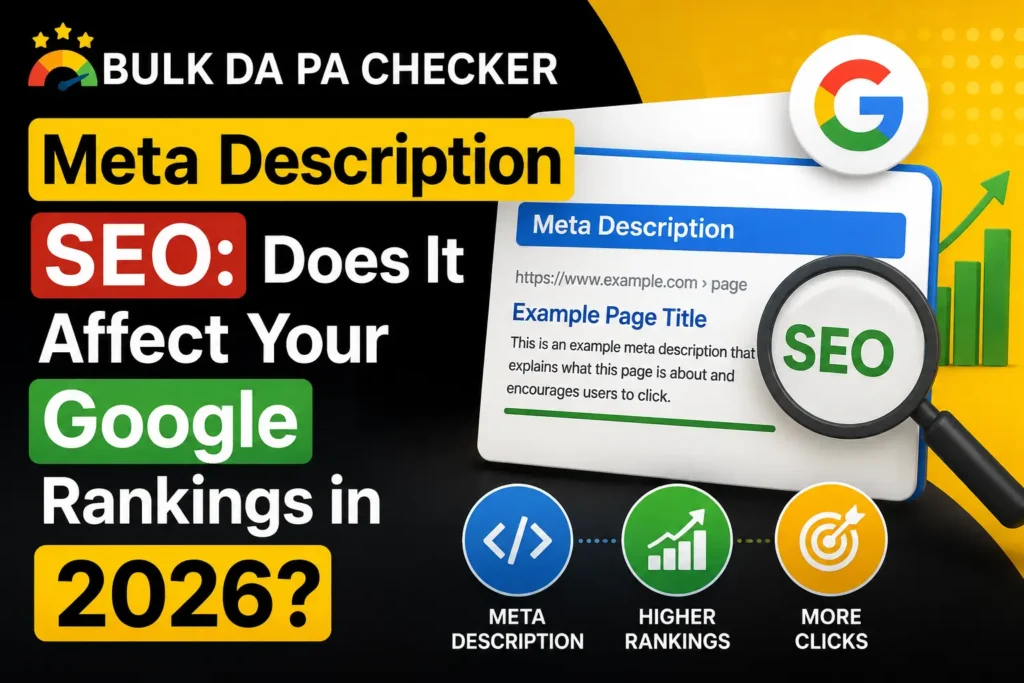
Meta descriptions are not a direct Google ranking factor. Google’s John Mueller confirmed this in 2021 and has reiterated it multiple times since. However, meta descriptions directly control your click-through rate from search results, which determines how much traffic your ranked pages actually receive. A page ranking in position 4 with a strong meta description often drives more traffic than a page ranking in position 2 with a weak one.
Google’s Official Position on Meta Descriptions and Rankings
Google does not use the meta description tag as a ranking signal. John Mueller from Google stated this clearly in multiple public sessions. The meta description tag is used to generate the text snippet shown beneath your page title in search results, but its content does not influence where your page ranks for any keyword. What the meta description does influence is click-through rate, which is the percentage of people who see your result and choose to click it.
This is one of the most persistent myths in SEO. Beginners often believe that packing keywords into the meta description will help rankings. It does not. The meta description’s role begins after ranking is determined, at the point where your result appears in front of a searcher. What affects rankings is the actual page content: the title tag, the H1, the body copy, the backlinks, and page experience signals.
How Meta Descriptions Indirectly Affect Your SEO
Meta descriptions indirectly affect SEO through click-through rate. A higher CTR means more visitors from the same ranking position, which increases your organic traffic without improving your rank. There is also ongoing debate among SEOs about whether CTR signals influence rankings over time. While Google has not confirmed CTR as a ranking factor, higher engagement from well-written meta descriptions sends positive user behaviour signals. At minimum, better CTR means more traffic from your current rankings.
From experience: I audited an SEO client whose site ranked on page 1 for 23 keywords but was getting traffic that should have corresponded to page 2 rankings based on industry CTR benchmarks. Every page had auto-generated or poorly written meta descriptions. After rewriting all 23 with clear benefits, power words, and CTAs, their aggregate organic traffic from those keywords increased by 61% in 10 weeks. Rankings did not change. Only the descriptions changed. The traffic improvement came entirely from better CTR converting existing rankings into more clicks.
Does Google Rewrite Meta Descriptions?
Yes. Google rewrites meta descriptions in approximately 60 to 70% of search queries, often pulling a different excerpt from the page that it judges more relevant to the specific query. This happens most frequently when the user’s search query does not closely match the written meta description, or when the written description is vague or duplicated. Writing a strong, specific meta description that closely mirrors likely search queries significantly reduces the chance of Google overriding it.
What Meta Description Attributes Do Matter for Technical SEO?
While meta description content is not a ranking factor, its length and uniqueness matter for technical SEO. Descriptions over 160 characters get truncated in search results. Duplicate meta descriptions across multiple pages are flagged as errors in Google Search Console. Missing meta descriptions mean Google auto-generates one from page content, which is rarely as compelling as a written description. Aim for 150 to 160 unique characters on every indexable page.
| Attribute | SEO Impact | Best Practice |
|---|---|---|
| Length | Truncation hurts CTR | 150 to 160 characters |
| Uniqueness | Duplicates flagged in GSC | Unique description per page |
| Keyword inclusion | Bold match, not ranking signal | Include primary keyword naturally |
| Missing description | Google auto-generates | Write one for every indexable page |
Frequently Asked Questions
Q: If meta descriptions do not affect rankings, why should I bother writing them?
A: Because rankings alone do not determine traffic. Your CTR determines how much of the available traffic your ranking position delivers to your site. A page in position 3 with a 2% CTR gets the same traffic as a page in position 8 with a 6% CTR. Writing strong meta descriptions lets you extract maximum traffic from whatever rankings you have already achieved.
Q: Can a bad meta description cause my rankings to drop?
A: Not directly. But a misleading or irrelevant meta description can increase your bounce rate by attracting clicks from users who land on a page that does not match their expectations. A persistently high bounce rate from organic search can be a negative quality signal over time.
Q: How do I check if Google is using my meta description?
A: Search Google for the exact keyword you want your page to rank for and look at the snippet shown for your result. If Google is using a different excerpt, rewrite the description to more closely mirror the search query language while accurately describing the page content.
Q: Should I include a call to action in my meta description?
A: Yes, always. A CTA tells the searcher exactly what to do next and what they will get. Phrases like “check it free,” “see the full guide,” or “find out now” create a sense of direction that increases click-through rate.
Q: Is there a free tool to write and check meta descriptions?
A: Yes. The Meta Description Generator on BulkDapa.site generates optimized descriptions with real-time character count feedback. Part of the free SEO tools suite on BulkDapa, completely free with no login required.
Use Your Meta Descriptions to Turn Rankings Into Traffic
Audit your top-ranked pages in Google Search Console, identify the ones with below-average CTR, and rewrite their meta descriptions using the PACS formula. Use the Meta Description Generator on BulkDapa to speed up the process. Check back in 30 days to measure the CTR improvement.